
Affiliate disclosure: This article contains an affiliate link to Systeme.io. If you sign up through it, Hearthloop may earn a commission at no extra cost to you. This does not affect our assessment.
Research checked: November 24, 2026. This guide uses Webflow’s public pricing page and official help documentation. We have not tested paid Webflow plans or migrated a site.
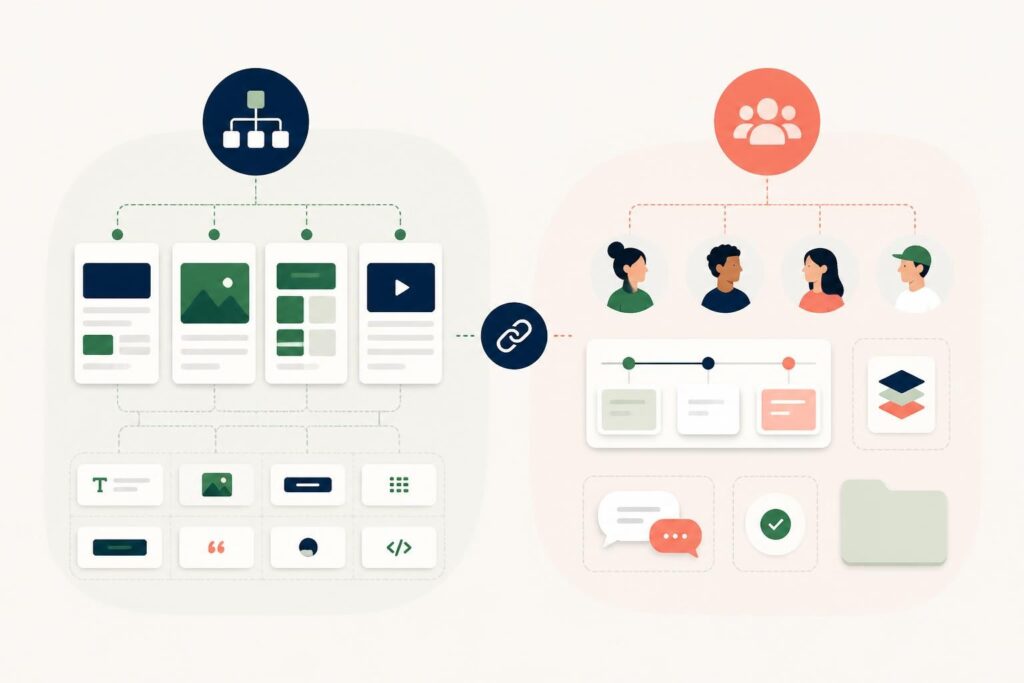
Webflow pricing can be confusing because Site plans and Workspace plans solve different problems. A Site plan determines how an individual website is hosted and what it can do; a Workspace plan adds staging capacity, team permissions and collaboration tools. You may not need to pay for both.
Quick answer: choose Basic for a simple website without CMS content, Premium for a blog or dynamic content, and a separate Workspace upgrade only when you need its collaboration or staging features. If you are building a store with Webflow’s native checkout, you need an Ecommerce Site plan instead.
Webflow pricing at a glance
| Plan | Annual billing (monthly equivalent) | Month-to-month | Main use |
|---|---|---|---|
| Starter | Free | Free | Build on webflow.io and experiment |
| Basic | $15/mo ($180/year) | $25/mo | Custom-domain static site without CMS |
| Premium | $25/mo ($300/year) | $39/mo | CMS-based blog, portfolio or content site |
| Workspace Starter | Free | Free | Small solo workspace and limited staging |
| Workspace Core | $19/mo billed yearly | Check live billing options | More staging, code export and team workflow tools |
| Workspace Growth | $49/mo billed yearly | Check live billing options | Unlimited staging and more advanced permissions |
Site-plan prices are per site, and the paid amounts above are USD before applicable taxes. Workspace billing is separate from the Site plan. The official pricing page lists Core and Growth Workspace prices on annual billing; verify the checkout amount and billing term before purchasing.
What each Webflow Site plan includes
Starter — free for learning and prototypes
Starter is useful for experimenting with Webflow’s visual builder and testing a layout before paying. It uses a Webflow.io address and limits publishing to two static pages. The official help guide describes a limit of 50 CMS items and up to 1,000 monthly visits, plus limited CMS and form customization. The current pricing page also lists 1 GB bandwidth and 50 form submissions.
- Use the Webflow.io subdomain while you build.
- Keep the site small: two static pages on the free Site plan.
- Test forms, layouts and basic CMS behavior before deciding to upgrade.
- A custom domain requires a paid Site plan.
Basic — custom-domain site without CMS
Basic is the entry paid Site plan for a straightforward business website that does not need Webflow CMS or Ecommerce. The annual price is $15 per month, paid as $180 for the year; month-to-month pricing is $25. It includes a custom domain, up to 300 static pages, 10 GB bandwidth, unlimited form submissions and password protection.
Basic is not the right plan if you want a Webflow-managed blog, portfolio built from CMS collections, or other dynamic CMS pages. Upgrade to Premium if CMS is central to your site.
Premium — CMS and content-heavy sites
Premium replaces the old CMS and Business Site-plan lineup. It is listed at $25 per month on annual billing ($300 per year) or $39 month-to-month. The official plan-change documentation describes 20,000 CMS items, 40 CMS Collections, 300 static pages and 50 GB bandwidth. Premium also adds Code Components, site search, form file uploads and well-known files.
Premium is the plan to compare if you publish a blog, case studies, resource library, portfolio or other content where a template pulls information from CMS records. Review your expected item count, bandwidth and collection structure before subscribing.
Ecommerce Site plans
Webflow’s native Ecommerce checkout is a separate Site-plan category. If you need product catalog and checkout features, open the Ecommerce tab on the live pricing page and compare its Standard, Plus and Advanced plans. I am not quoting Ecommerce prices here because the pricing page’s current static text did not reliably expose the full price table.
Do you need a paid Workspace plan too?
Not necessarily. Every Webflow account has a Workspace plan. The free Starter Workspace includes one full seat and two staging sites. A paid Site plan can be hosted on a custom domain without automatically requiring you to buy Core or Growth Workspace.
| Workspace | Annual monthly price | What changes |
|---|---|---|
| Starter | Free | 2 staging sites, 1 full seat, 200 AI credits |
| Core | $19/mo billed yearly | 10 staging sites, 300 AI credits, custom code, code export and Shared Libraries |
| Growth | $49/mo billed yearly | Unlimited staging, 400 AI credits, site-specific access, site roles, publishing permissions, password protection and 301 redirects |
A paid Workspace is mainly a collaboration/staging upgrade. If you are a solo owner building one website, start with Starter Workspace and only add a paid Workspace when you actually need its features. Webflow’s pricing page lists Workspace seats and client/guest features separately from Site plans.
What will a small business actually pay?
| Use case | Likely starting point | Annual monthly-equivalent cost |
|---|---|---|
| Simple five-page brochure site | Basic Site + free Starter Workspace | $15/mo |
| Blog or CMS resource site | Premium Site + free Starter Workspace | $25/mo |
| Static site with advanced team/staging needs | Basic Site + Core Workspace | $34/mo |
| CMS site with advanced team/staging needs | Premium Site + Core Workspace | $44/mo |
These are simple plan combinations, not quotes. The Core Workspace is optional for the first two examples; the combined prices assume one Site plan plus Core. Tax, add-ons, paid seats and usage may change your total.
How to choose the right plan
Choose Starter if…
- You are still learning the designer or building a prototype.
- You can work with a webflow.io address.
- You only need two static pages and the free publishing limits are enough.
Choose Basic if…
- Your website is a simple business brochure or landing site.
- You need a custom domain and more static pages.
- You do not need CMS collections, a blog or native Ecommerce.
Choose Premium if…
- You need a CMS-driven blog, portfolio or resource library.
- You want site search or form file uploads.
- Your content plan needs more CMS items and collections than the free Starter limits.
Choose a paid Workspace if…
- You manage multiple staging sites or build sites for clients.
- You need custom code or code export in the Workspace.
- You need site-specific roles, publishing controls or collaboration features beyond Starter.
Webflow’s May 2026 pricing changes: what legacy users should know
Webflow simplified its Site plans in May 2026, merging the old CMS and Business plans into Premium and changing pricing and limits. The rollout for existing accounts was staged: Webflow’s official help page says some existing sites moved from June 29, 2026, and sites in Freelancer or Agency Workspaces or on older legacy discounts were scheduled from November 16, 2026. A change may apply at renewal or after a billable change, depending on the account. Check Site settings → Plans instead of assuming your old rate or plan name is still active.
If you are evaluating Webflow today, compare the plan shown in your own billing screen with the public pricing page. The published list price is not necessarily the same as a grandfathered or notified renewal amount.
A quick checklist before paying
- Does the site need a blog or CMS collections? If yes, Basic is not enough; compare Premium.
- Will I publish on my own domain? A paid Site plan is required.
- Do I need Ecommerce checkout, or only lead forms? Native checkout uses a separate Ecommerce plan.
- How much bandwidth and CMS content will I actually use?
- Will another editor or client need access? Check seat and Workspace features.
- Do I need custom code, code export, redirects, site-level roles or publishing permissions?
- Can I export my content and assets if I later move? Dynamic CMS content is not included in the Workspace code export.
- What is the exact billed total at checkout, including taxes and any add-ons?
Webflow or a simpler funnel platform?
Webflow is useful when you want design control and a site with pages, CMS collections and a managed hosting plan. If your main job is building sales funnels, opt-in pages, email sequences and selling digital products, you may not need a full visual site-builder workflow. A funnel-first platform such as Systeme.io is a different option—not a one-for-one Webflow replacement, but it can be a better fit for that narrower job.
Explore Systeme.io’s funnel and email platform.
Verdict
For a small static site, Basic is the lowest sensible paid Webflow option. For a content site, Premium is the plan to budget for. Workspace Starter is often sufficient until you need more staging or collaboration controls. The main mistake is paying for a Workspace upgrade before you understand what the Site plan already includes—or buying Basic for a CMS-heavy site and needing to upgrade later.
Official sources
- Webflow Site and Workspace pricing
- Webflow’s May 2026 plan changes and migration guide
- Webflow: choosing a Site plan
Research checked November 24, 2026. Pricing, features and migration timing can change. This article is desk research, not a hands-on test.
Leave a Reply